How to log a support ticket
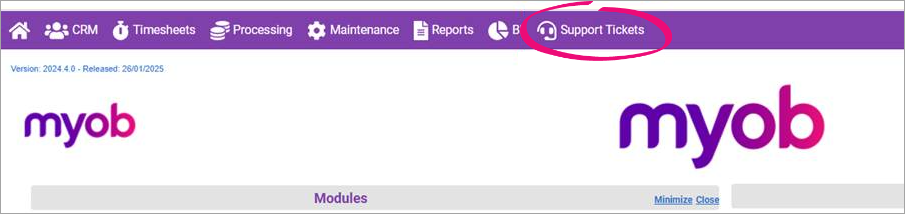
To contact us for support with MYOB Practice Management, log a case using the support tickets option in Practice Management.
If you can't access Practice Management, see support for accounts and bookkeepers for details on how to get in touch.
Log a support ticket in Practice Management
- On the menu bar at the top of Practice Management, click Support Tickets.
- Click New Ticket.
- Complete the form, including at least the following fields:
- Issue summary
- Severity
- Reason
- Notes.
- Click Save.
You'll see your case saved to the Support Tickets page.